How to install the prerequisites for addon development on Windows
Overview
In this how to guide, we will install the prerequisites for Valkyrien Skies addon development, which are:
IntelliJ IDEA Community Edition (required)
Before you start
Make sure that the computer you are following along with:
Has Windows 10 or 11 installed
Has an internet connection
How to Install IntelliJ IDEA Community Edition
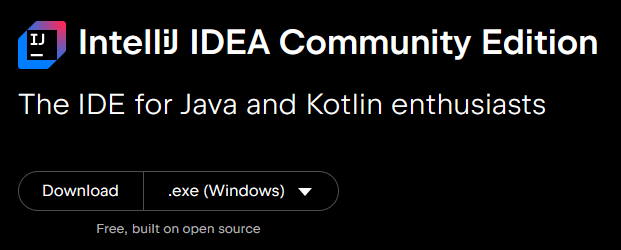
Go to the IntelliJ IDEA download page and select Download .exe (Windows).
Run the downloaded installer, and press the Next button repeatedly until the installation begins. Do not change any options in the installer. Once the installer completes, press Finish.
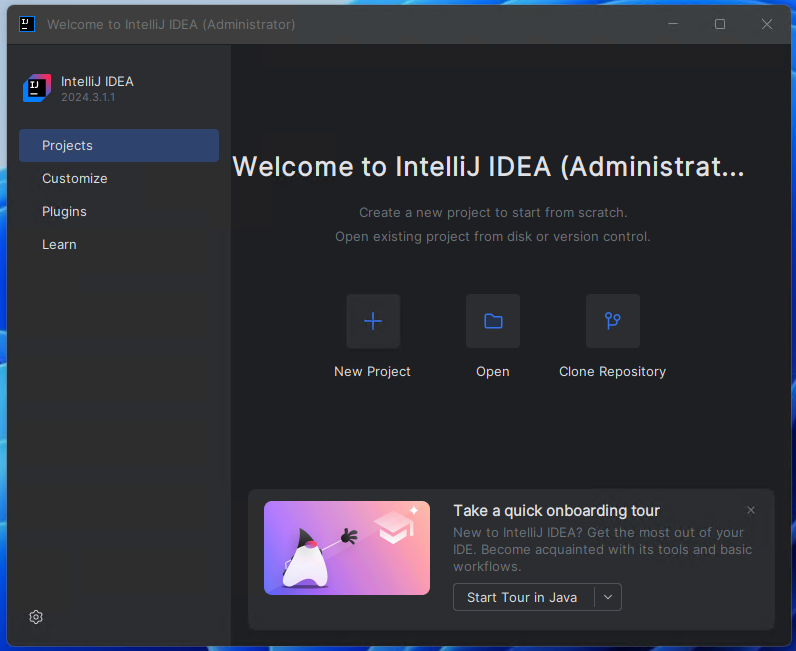
Test that IntelliJ IDEA is working by launching it from the Start Menu. It should look like this:
Last modified: 03 June 2026